
Grand Theft Auto VI is one of the most anticipated games in the Grand Theft Auto series. Its trailers showcase a detailed open world, busy streets, varied environments, and a story set across the state of Leonida.
Rockstar Games has announced a November 19, 2026 release for PlayStation 5 and Xbox Series X|S. However, an official PC version and PC system requirements have not been announced. You can check the latest information on the official GTA VI website.
If you play games on PC, there are still practical steps you can take to keep your computer clean, stable, and ready for demanding games. These steps can improve your PC’s general gaming performance, but they cannot guarantee that your system will run a future GTA 6 PC version.
Check Your Current PC Specifications
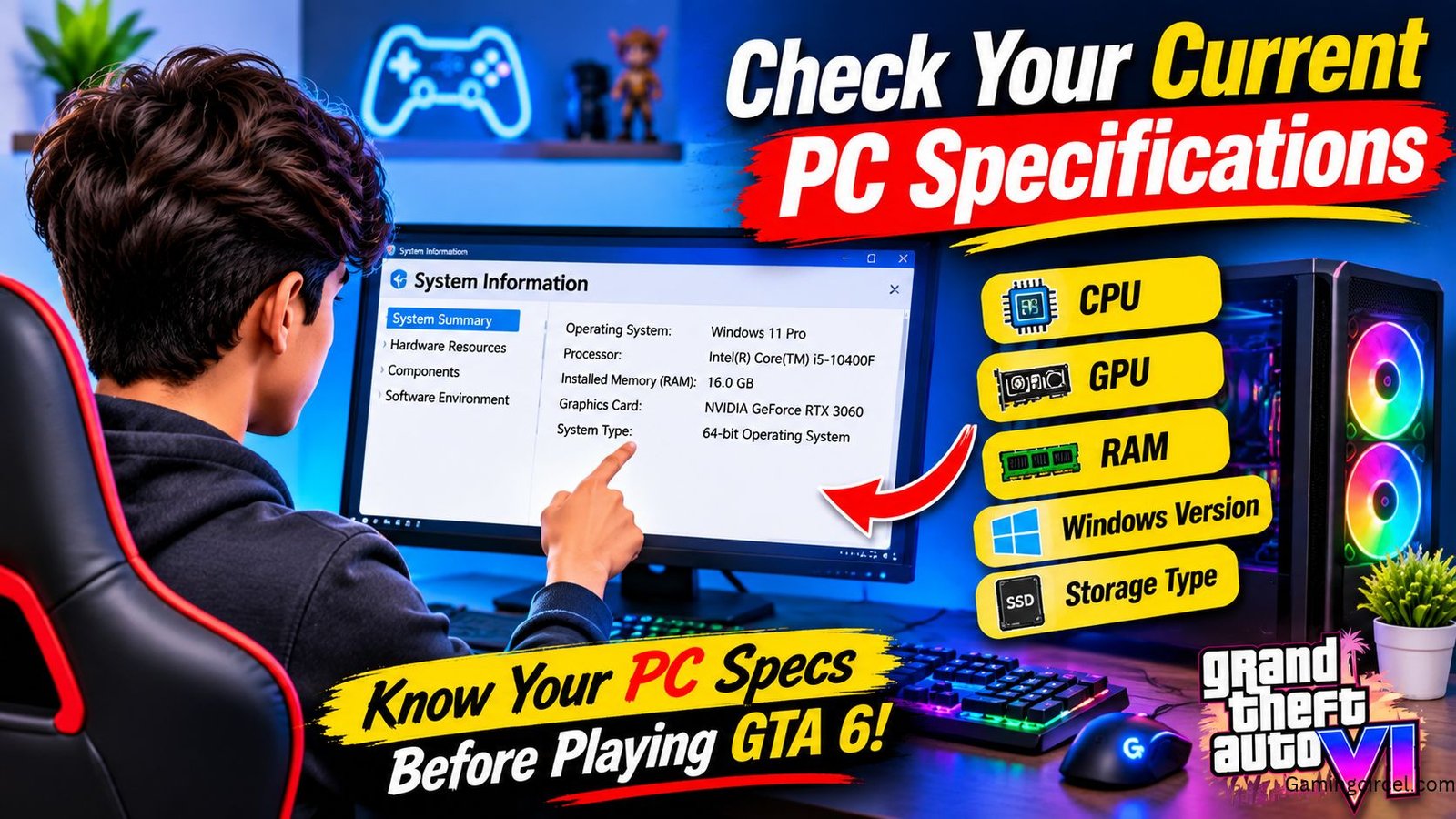
Before spending money on upgrades, find out what hardware your computer already has.
On Windows:
- Press Windows + R.
- Type
dxdiagand press Enter. - Check the System and Display tabs.
- Note your processor, graphics card, installed memory, and Windows version.
You should also check whether your games are installed on an SSD or a traditional hard drive.
Knowing your current specifications helps you identify possible bottlenecks and avoid buying parts you may not need.
Keep Your Graphics Drivers Updated
Graphics driver updates can improve compatibility, fix bugs, and support newer games.
Depending on your graphics card, use the official software or website from:
Install stable drivers from the manufacturer rather than downloading driver files from unknown websites. If a new driver causes problems in a game you already play, check the manufacturer’s support information before making further changes.
Keep Windows Updated
Windows updates provide security fixes, compatibility improvements, and system updates.
To check for updates:
- Open Settings.
- Select Windows Update.
- Click Check for updates.
- Restart your computer if required.
Avoid installing unofficial Windows modifications that promise dramatic gaming boosts. They can remove useful features or create stability and security problems.
Use an SSD for Your Games
An SSD can make Windows and installed games load faster than a traditional hard drive. It can also improve general system responsiveness.
If your PC still uses an HDD as its main drive, an SSD may be a worthwhile upgrade for your overall gaming setup.
Before purchasing storage specifically for GTA 6, wait for official PC requirements and storage details. Rockstar has not confirmed how much space a PC version would need.
Check Your RAM
Check how much memory your computer has before deciding whether to upgrade.
For general modern gaming:
- 8 GB: May be limiting in newer games and while multitasking.
- 16 GB: A common capacity for many gaming PCs.
- 32 GB: Can provide extra room for demanding games, streaming, and multitasking.
These are general PC gaming guidelines—not confirmed GTA 6 PC requirements. The right amount of RAM depends on the games you play and the other programs you run.
Reduce Unnecessary Startup Programs
Some applications launch automatically when Windows starts and continue running in the background.
To review them:
- Press Ctrl + Shift + Esc to open Task Manager.
- Select Startup apps.
- Review the list.
- Disable applications you do not need to launch automatically.
Do not disable unfamiliar Windows or security components just to gain a small performance improvement. If you are unsure what an application does, leave it enabled until you verify it.
Also See: Best Controller for GTA 6 in 2026: Top Picks for Every Platform
Close Unnecessary Background Applications
Before playing a demanding game, close programs you do not need.
Examples include:
- Large numbers of browser tabs
- Video editing software
- Unused game launchers
- File synchronization applications
- Other programs that use significant CPU or memory
You do not need to close every background application. Keep security software and important system services running.
Keep Your PC Cool
High temperatures can cause a processor or graphics card to reduce its speed to protect itself. This behavior is called thermal throttling.
To help maintain stable performance:
- Clean dust from filters and fans.
- Make sure air can flow through the case.
- Keep the PC away from blocked or enclosed spaces.
- Check that fans are working properly.
- Monitor temperatures using trusted hardware-monitoring software.
If your PC becomes unusually hot, loud, or unstable, investigate the cause instead of immediately changing voltage or overclocking settings.
Review Windows Game Mode
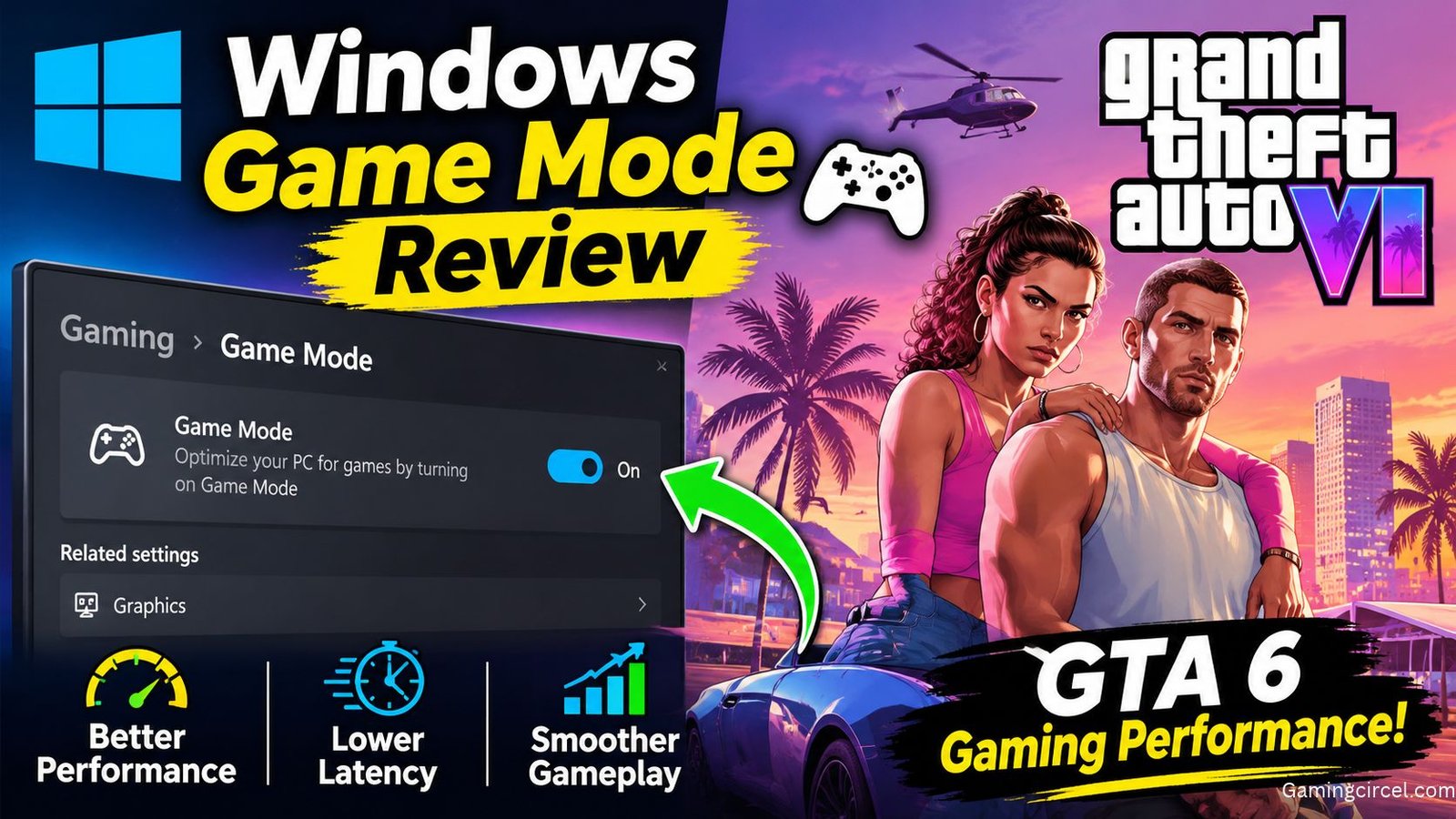
Windows includes a Game Mode setting designed to prioritize gaming and reduce some background activity.
To check it:
- Open Settings.
- Select Gaming.
- Open Game Mode.
- Turn it on if it is disabled.
The effect varies by system and game. Treat it as a simple setting to test—not a guaranteed FPS boost.
Avoid Unnecessary Graphics Card Upgrades
The graphics card is an important part of a gaming PC, but it is too early to recommend a specific GPU for GTA 6 on PC.
Cards such as the NVIDIA RTX 3060, RTX 4060, AMD Radeon RX 7600, and RX 7700 XT are examples of current PC gaming hardware. Their performance in a PC version of GTA 6 cannot be confirmed without an official PC release and requirements.
Before buying a graphics card:
- Check which games you currently play.
- Compare performance in those games at your target resolution.
- Make sure the card fits your case.
- Check the power supply’s wattage and connectors.
- Consider waiting for official GTA 6 PC information if GTA 6 is your main reason for upgrading.
Check Your Power Supply Before Upgrading
A graphics card upgrade may require a more capable power supply.
Before buying a new GPU, check:
- The PSU’s model and rated wattage
- The power connectors required by the graphics card
- The manufacturer’s recommended power supply
- The physical space available in your PC case
Do not choose a PSU based only on a generic wattage recommendation. Requirements vary by graphics card and the rest of the system.
Keep Your Internet Connection Stable
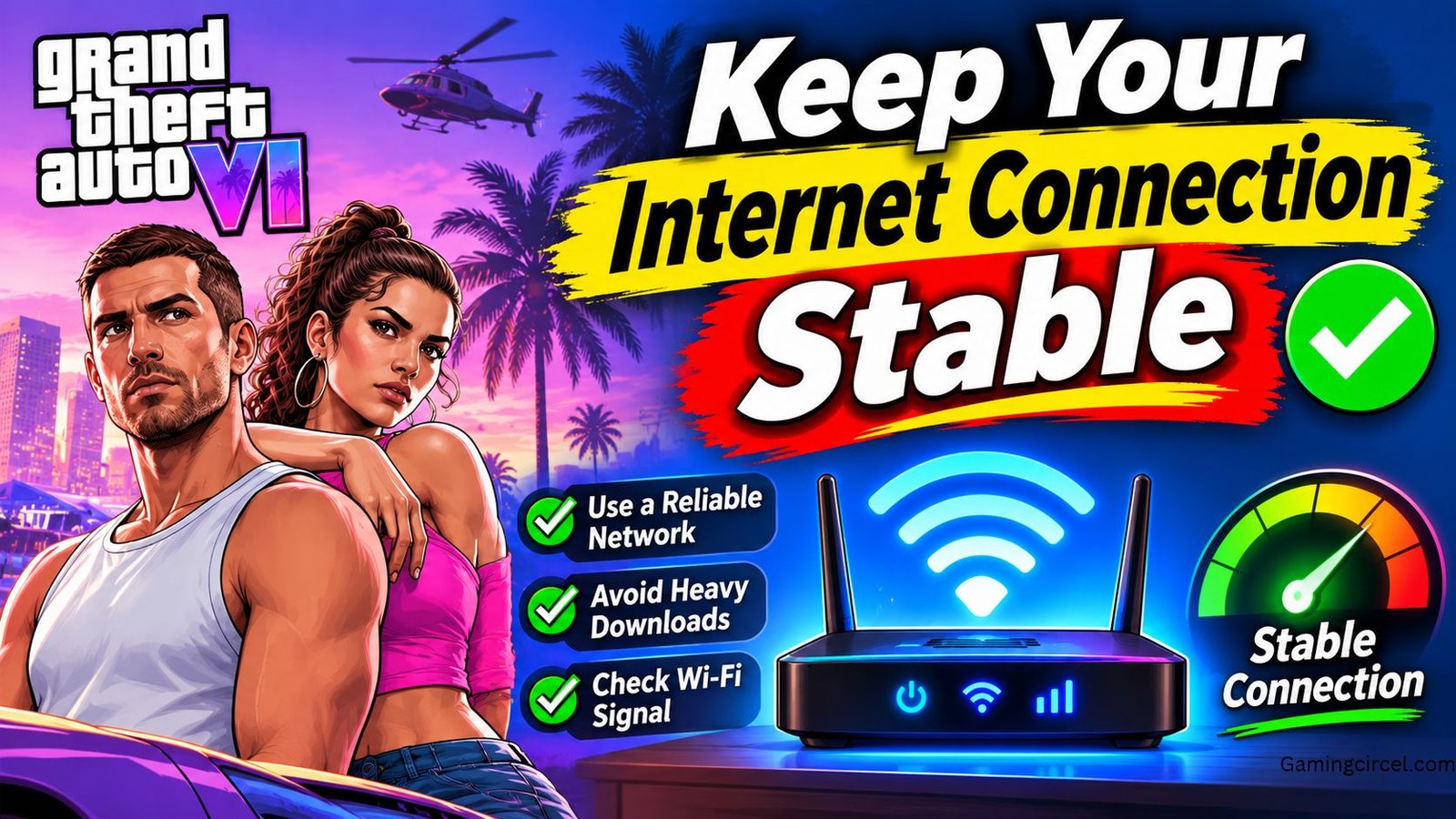
A reliable internet connection is useful for downloading game updates and accessing online services.
For large downloads:
- Use Ethernet if it is convenient.
- Avoid running several large downloads at once.
- Make sure your router has a stable connection.
- Check your available data allowance if your internet plan has a limit.
Online features and PC-specific connection requirements for GTA 6 have not been confirmed for a PC version.
Back Up Important Files
Before making major system changes or upgrading hardware, back up important documents, photos, and other personal files.
You can use an external drive or a trusted cloud-storage service. A backup is especially useful before reinstalling Windows or changing your main storage drive.
Final Thoughts
Preparing your PC for demanding games is about maintaining a stable, well-cooled, and properly updated system—not buying hardware based on unconfirmed requirements.
Check your specifications, update drivers, keep Windows maintained, review background applications, and make sure your PC has adequate cooling and storage. If you are considering an expensive upgrade mainly for GTA 6, wait until Rockstar announces official PC details.
For the latest confirmed information, follow the official GTA VI website and Rockstar Newswire.
Frequently Asked Questions
Has Rockstar announced GTA 6 PC system requirements?
No official PC system requirements have been announced. Check Rockstar’s official website for updates before making a purchase based on GTA 6.
Should I upgrade my PC now for GTA 6?
Only upgrade if the change also benefits the games and applications you currently use. If GTA 6 is your main reason for buying new hardware, waiting for official PC information is the safer choice.
Will an SSD improve gaming performance?
An SSD can improve loading times and overall system responsiveness compared with a traditional hard drive. The exact effect depends on the game and your current hardware.
Is 16 GB of RAM enough for GTA 6?
Rockstar has not confirmed the PC version’s memory requirements. 16 GB is a common capacity for many current gaming PCs, but it should not be treated as a confirmed GTA 6 requirement.
Can cleaning my PC improve performance?
Cleaning dust and improving airflow can help prevent overheating. If your CPU or GPU is thermal throttling, addressing the cooling problem may improve performance stability.
Can software optimization guarantee better FPS?
No. Driver updates, closing unnecessary applications, and keeping Windows maintained can help with compatibility and system responsiveness, but they do not guarantee a specific frame-rate increase.
